snipv is a small Windows tray app that lets you save a snippet (e.g. a phone number, an address, a canned reply) and record a keyboard shortcut for it. From then on, pressing that shortcut in any application pastes the text at the cursor.
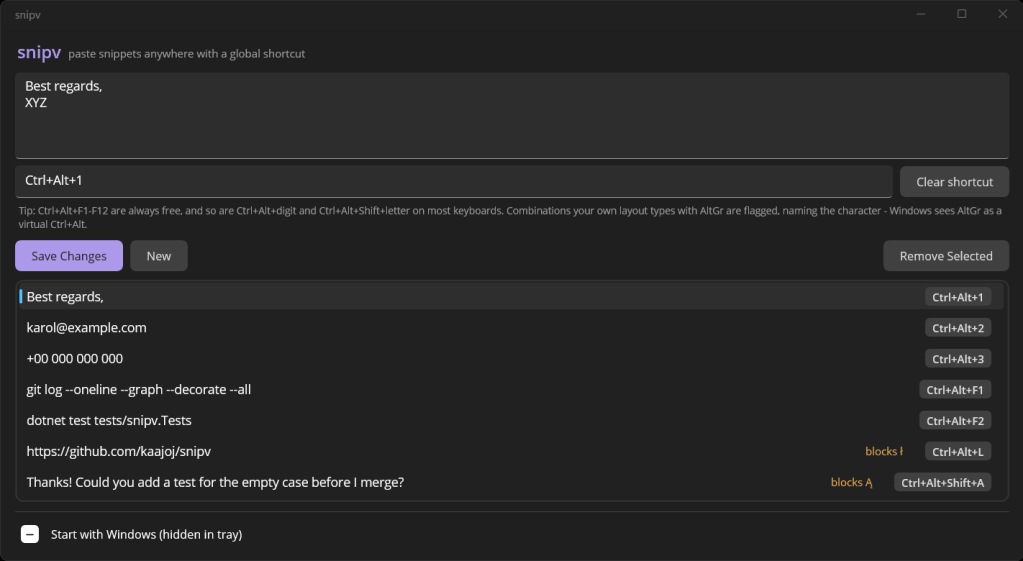
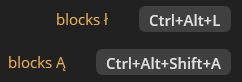
The part that took the most work was deciding which shortcuts the app should let you take. A global hotkey wins over every other program, so snipv refuses the everyday ones like Ctrl+C or Ctrl+S and checks whether another app already holds the combination. It also asks Windows what each installed keyboard layout types with AltGr. On a Polish layout Ctrl+Alt+L is how you type ł, so using it as a hotkey would quietly cost you a letter. snipv warns about that and names the character at stake.
It’s built with .NET MAUI (WinUI 3) and calls Win32 directly for the hotkeys, the tray icon and the keyboard layout checks. Snippets are stored in a local JSON file.
The source code is on GitHub. The release page has a ready-to-run zip for Windows 10 and 11 (x64), no installer needed:
https://github.com/kaajoj/snipv

